


Signing up for Tikful is free and takes a few minutes. You need to be 18 or older and have an email address you can access. You fill in your name, your email address and a password, confirm your email and you’re ready to sign in to the platform.
How to create your account, step by step
- Go to app.tikful.com or select Start clipping free on the Tikful website.
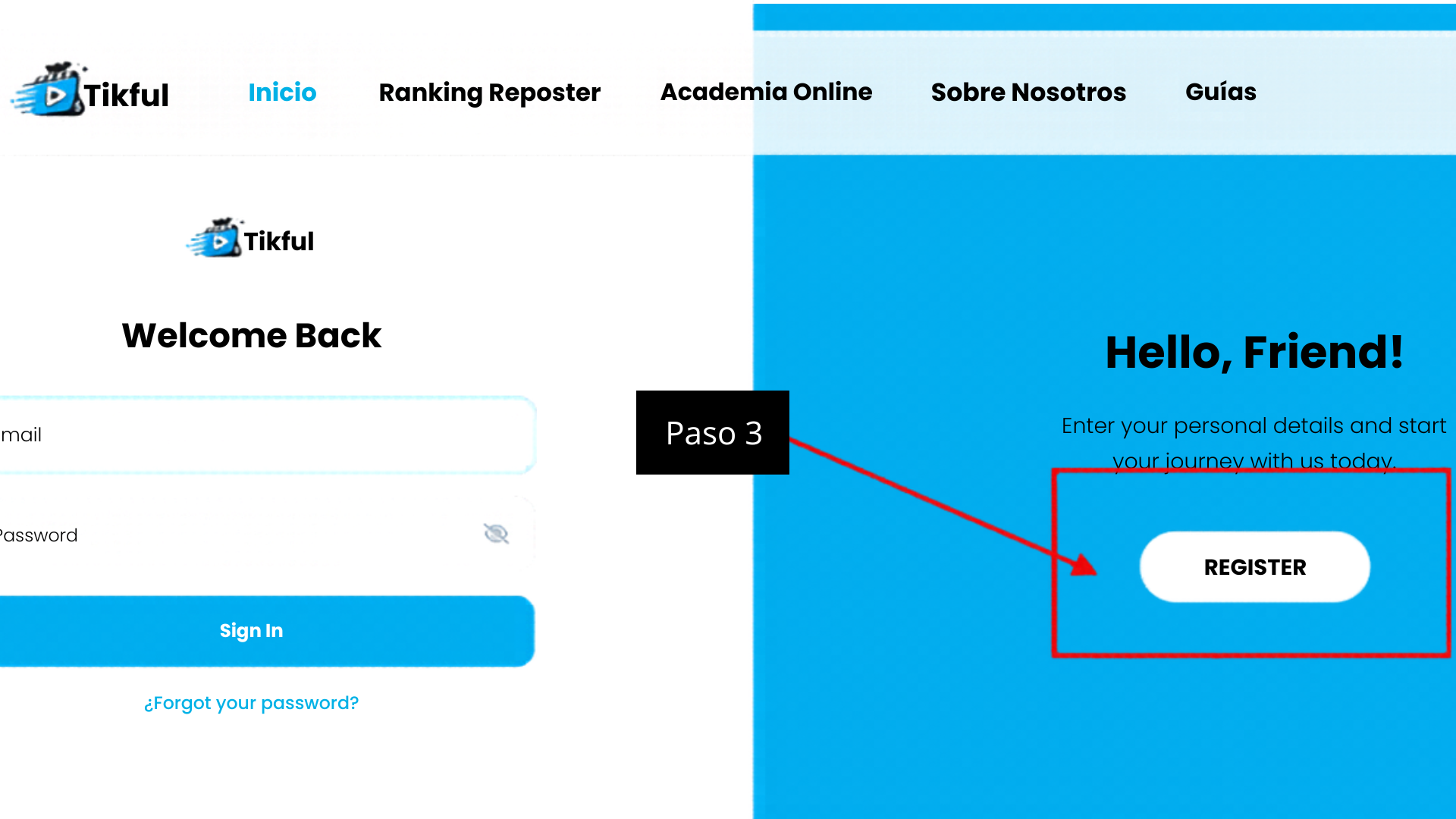
- On the sign-in screen, select Register to create a new account. If you already have one, enter your email and password and select Sign In.
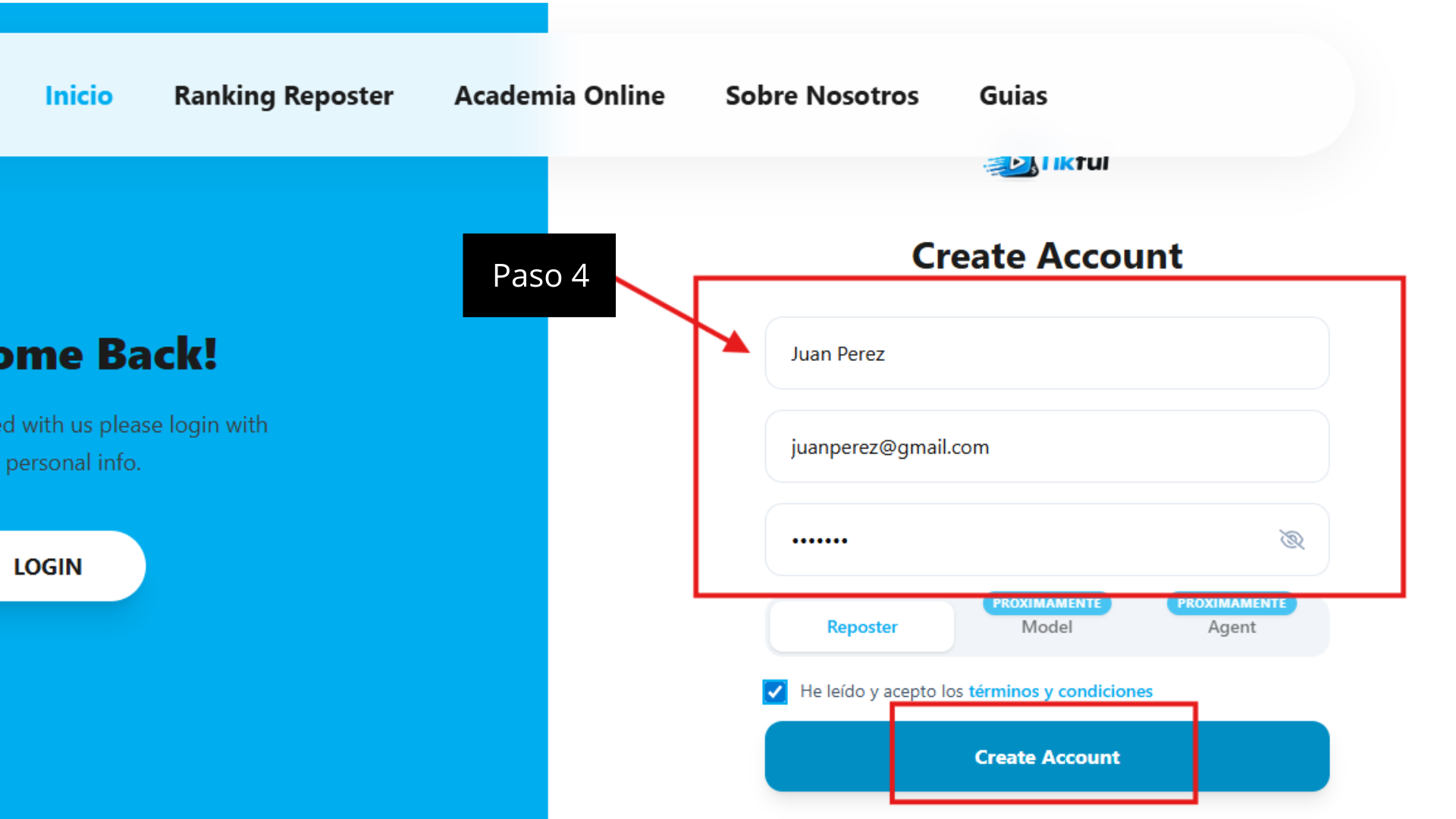
- On the Create Account form, enter your first and last name, your email address and a password.
- Leave the Reposter profile selected: it’s the clipper profile. The Model and Agent profiles are marked «Próximamente» (Coming soon).
- Check the box to accept the terms and conditions and select Create Account.
- Open the email Tikful sends you and click the confirmation link. If it isn’t in your inbox, check your spam folder.
- Go back to the sign-in screen and sign in with your email and password.
Keep your login details safe
Your email and password are the keys to your account, your campaigns and your balance. Use a password you don’t reuse on other sites, and don’t share it with anyone.
What to do after you sign up
- Decide whether to join the academy. It’s free and improves your terms from day one. You’ll find the steps in the guide to joining the Tikful Academy.
- Pick a campaign. Read its terms before you edit anything: allowed platforms, rate, caps and requirements.
- Link the account you’ll post from. Follow the guide to assign an account to a campaign in Tikful Studio.