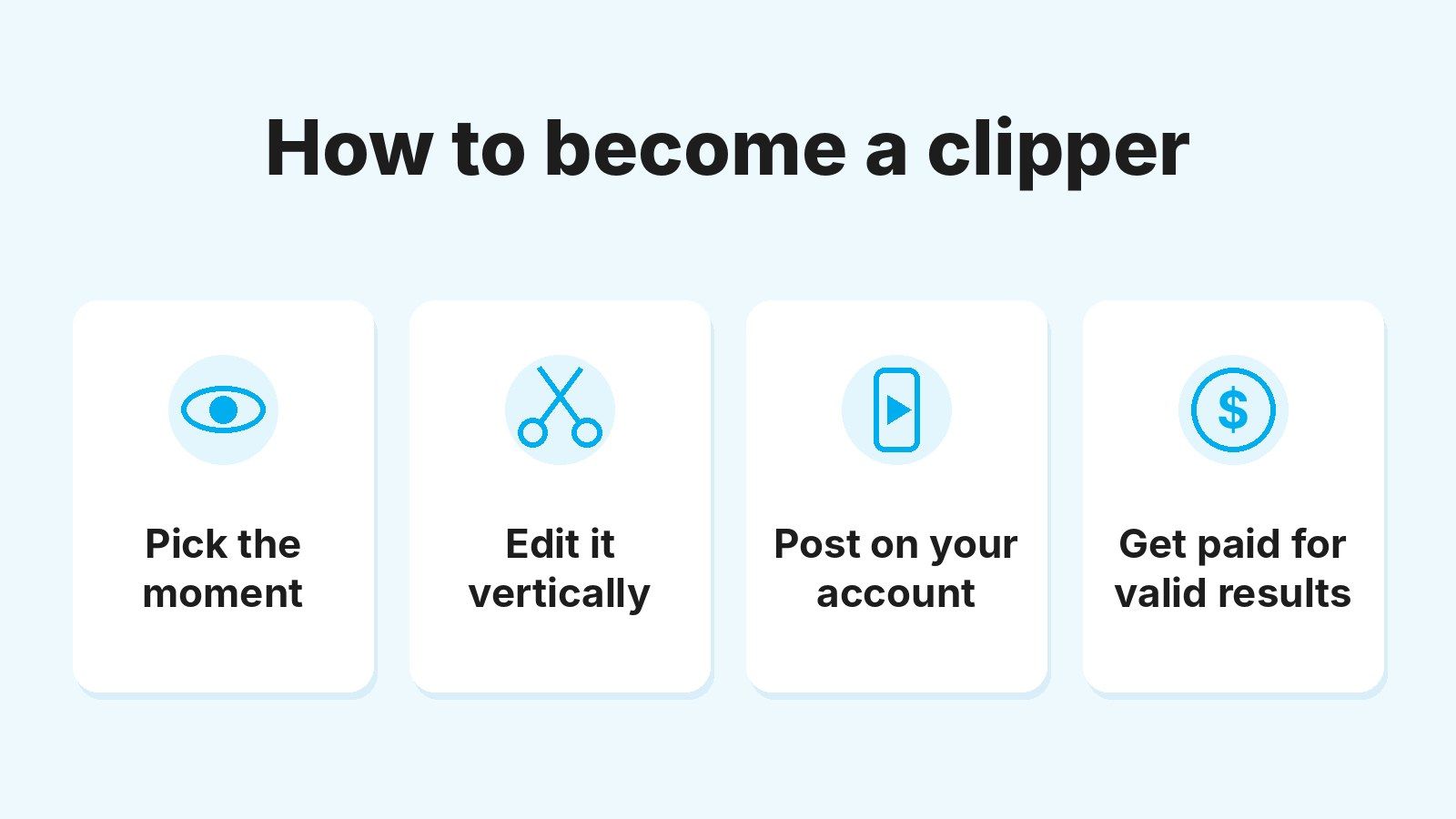



To make money clipping videos, you join a campaign, post clips of a creator’s authorized content on your TikTok, Instagram or YouTube account and get paid for the results that campaign validates. On Tikful, depending on what each creator or agency sets, that means valid views or new subscribers.
The social platform doesn’t pay you. Whoever launches the campaign does, and they set the rate, the budget and the most a single video can earn. So you can start without meeting the requirements of each platform’s monetization programs (the campaign’s own terms are another matter).
What does change from one platform to the next is how it treats videos you didn’t film yourself. TikTok and Instagram stop recommending reposts that add nothing new, and on YouTube Shorts the public view count hasn’t measured the same thing since March 2025.
Below is the whole process, from campaign to withdrawal, with what to adjust on each platform and a sample calculation with a per-video cap.
Quick summary
- You get paid for validated results, at each campaign’s rate and caps. A clip that breaks the rules earns zero, even with thousands of views.
- On TikTok and Instagram, every clip needs something of your own: unchanged copies lose their recommendations.
- On YouTube Shorts, the public counter adds every play that starts; to measure retention, look at engaged views.
- Tikful pays in USD. You can withdraw from $100 ($50 if you’re an active academy student), and payouts take 1 to 3 business days.
Who pays clippers, and how is your pay calculated?
The creator or agency that launches the campaign pays you, and your earnings come from applying their rate to your valid results. If the campaign pays per view, you get a rate per 1,000 valid views (often called the CPM), so the math is valid views ÷ 1,000 × rate. If it pays per subscriber, it’s new valid subscribers × commission.
A single campaign can pay for both, and even for other goals the creator sets.
Pay attention to the word valid. The counter under your video and the views that count toward your pay don’t have to match, because the campaign checks that each clip follows its rules (allowed platform, assigned account, deadlines, links) before it turns those results into balance.
This money is separate from what the platforms pay through programs like TikTok’s Creator Rewards Program or the YouTube Partner Program, and you don’t need to be in either one to start clipping. Our guide on how to make money on TikTok covers what the app itself pays for.
If you’re starting from zero, our guide to video clipping explains what a clipper does and how a campaign works.
What you need to start clipping
To start clipping, you need little more than being 18 or older and having a phone. Here’s the full list:
- Be 18 or older: Tikful doesn’t accept minors.
- A phone with a video editor. CapCut, Edits (Instagram’s editing app) or the platform’s built-in editor is enough to trim, add captions and export in vertical format.
- A public account on a platform the campaign allows. Tikful checks that it’s public when you assign it.
- A Tikful account. Signing up is free.
- A crypto wallet or an exchange account that accepts USDC (a digital dollar), for when it’s time to withdraw.
You don’t need editing experience either. You learn to pick a good moment and adapt it to each platform by posting, checking which clips get validated and which don’t, and repeating what works with your audience.
Clipping is one of the few ways to make money without investing that you can start with no audience of your own and without appearing on camera.
How to make money clipping, step by step
The process takes five steps: create your Tikful account, pick a campaign, assign your social account to it, edit the clip and post it for validation. The one you shouldn’t skip is the second: reading the campaign’s terms before you edit anything.
1. Create your account and decide on the academy
Sign up on Tikful as a clipper with your name, an email address and a password, then confirm your account through the link you get by email. The guide to signing up on Tikful walks you through it.
This is the moment to decide whether to join the academy, which is also free. Students earn 25% more per view and 15% more per subscriber, can be in five campaigns at once (three if you’re not a student) and can withdraw from $50.
In return, Tikful asks for commitment and daily class attendance; without them, your student perks are suspended. For now, the classes are taught in Spanish. Here’s how to join the Tikful Academy.
2. Pick a campaign and read its terms
Before you edit your first clip, check:
- Which platforms it allows and whether it asks anything of your account.
- Whether it pays per view, per subscriber or both, and at what rate.
- The per-video cap and the campaign’s total budget.
- The deadlines and the instructions on links, ad labels and how to identify your account.
Compare the rate and the cap together. At $2 per 1,000 valid views with a $20 cap per video, a clip with 100,000 valid views earns $20; at $1 per 1,000 with an $80 cap, that same clip earns $80. These are example figures, not Tikful rates, and what any clip earns depends on each campaign and isn’t guaranteed.
3. Set up your account and assign it to the campaign
Start with one account per platform.
If you dedicate it to the campaign’s creator, make it clear in the name and the bio that it’s a fan account, not the official one. Impersonating someone breaks Instagram’s and TikTok’s rules, and TikTok only allows fan accounts that say so clearly.
Then, in Tikful Studio, go to Campaigns, choose the creator’s profile and start as a clipper. You’ll need to type your account’s exact username, and the platform will check that it’s public.
From then on, what you post from that account is tied to your profile. The guide on assigning an account to a campaign covers it step by step, using Instagram as the example.
4. Edit the clip for the platform you’ll post it on
A good clip makes sense with the sound off, hooks people in the first second and has something the original video didn’t. In practice:
- Vertical 9:16 format and captions that are easy to read on a phone.
- A hook at the start: the line, reaction or gesture that makes someone stay.
- Something of your own, like a different cut, on-screen text or context in the caption.
- A clean export, without another app’s watermark.
- Music from each platform’s library, because the video’s authorization doesn’t cover songs you add yourself.
Also choose moments that are fine for any audience. On TikTok and Instagram, suggestive content gets left out of recommendations, as you’ll see in the next section.

5. Post, review and wait for validation
Post the clip and follow the platform’s stats over the first few days. TikTok tells you in the video’s analytics if it isn’t eligible for the For You feed, and Instagram shows it in Account Status, in the section on recommendations.
Meanwhile, on Tikful your results show as pending balance until the campaign validates them. Only available balance can be withdrawn.
Label paid clips as ads
A clip you get paid to post is sponsored content, so label it as an ad the way the campaign, each platform and the law where you live require. In the US, see the FTC’s guide for social media influencers; in the UK, the ASA’s guide for influencers on labeling ads.
Where does a clip earn more: TikTok, Instagram or YouTube Shorts?
The platform doesn’t change your rate, since the campaign sets it, but it does change how many valid views a clip can reach, depending on how it treats videos that aren’t yours. Here’s a summary of the rules as of October 2026:
| Platform | What cuts a clip’s reach | Where to check | Worth knowing |
|---|---|---|---|
| TikTok | Unedited reposts, another account’s watermark, suggestive content | Video analytics | If it keeps happening, your whole account can drop out of recommendations for a while |
| Instagram Reels | Identical copies, visible watermarks, suggestive or adult-product content | Account Status | Each eligible reel goes to a small audience first and widens if it performs |
| YouTube Shorts | Content ID claims: a Short over 1 minute with an active claim gets blocked | YouTube Analytics, in advanced mode | Since March 2025, the counter adds every play that starts or replays |
On TikTok and Instagram, the brake is usually the same: posting the video exactly as you got it. On YouTube, it’s music and a counter that inflates the numbers.
Clipping on TikTok
On TikTok, a new account can reach strangers from its very first video. In its post on how it recommends videos, TikTok says neither follower count nor past high-performing videos are direct factors in its recommendation system, which judges each video by how viewers react to it.
In the US, the app has been run since January 2026 by TikTok USDS Joint Venture, which sets its own moderation policies and retrains the recommendation algorithm on US user data, so check the in-app rules if anything here differs.
The real brake is somewhere else. TikTok can keep what it considers unoriginal content out of the For You feed: videos that are copied, reused without creative edits, or carry another account’s watermark or logo.
Suggestive content or significant body exposure is restricted to users 18 and older and also kept out of the For You feed, even when it isn’t removed.
With material from OnlyFans creators, this matters more than the editing. Pick moments that work for any audience, like a story or a reaction, and don’t point people to explicit content in the video or the caption: TikTok’s rules don’t allow helping people access sexual services or pornography.
Clipping on Instagram Reels
Instagram hands out reach in stages: it shows each eligible reel to a small audience, including people who don’t follow you, and widens it if the reel performs. To get into that cycle, a reel has to be original, carry no visible watermarks and meet Instagram’s recommendation guidelines.
Here’s the trap for clippers. When Instagram finds two identical videos and the original is recent, it only recommends the original, so posting a video the creator already shared, unchanged, keeps you out of Explore and the Reels tab.
It won’t replace your version if you’ve edited it meaningfully, for example with a new voiceover or by turning it into a reaction.
Accounts that keep reposting other people’s content without creating or improving it also drop out of recommendations. The exception is a set of licensed publishers that Instagram has identified itself, and a creator’s permission alone doesn’t put you in that group. Instagram explains it in its post on how it rewards original content.
Suggestive content (Instagram gives see-through clothing as an example) and content that promotes adult products and services can also lose recommendations. If you think that’s happening to you, check your Instagram Account Status: it shows whether your profile can be recommended.
Clipping on YouTube Shorts
YouTube Shorts accepts vertical or square videos up to 3 minutes long, but a longer clip comes with a risk. If it runs over 1 minute and has an active Content ID claim, for example over a song, YouTube blocks it worldwide, as its help page on three-minute Shorts explains. With music, stay under a minute or use audio without claims.
The other change affects how you read your results. Since March 31, 2025, a Short’s public view count adds a view every time it starts playing or replays, with no minimum watch time.
The old metric is now called engaged views. You’ll find it in YouTube Analytics, in advanced mode, and YouTube still bases Partner Program earnings on it. That’s the number to watch.
How much do clippers make? An example with a per-video cap
What you make clipping depends on the rate, how many valid views you get and the campaign’s limits. There’s no set pay per video, and a clip can earn nothing.
This example is illustrative and the numbers are made up: a campaign pays $1 per 1,000 valid views, with a cap of 50,000 paid views per video, and you post five clips in one week.
| Clip | Public counter | Valid views | Amount |
|---|---|---|---|
| 1 | 4,100 | 3,200 | $3.20 |
| 2 | 15,000 | 12,500 | $12.50 |
| 3 | 9,000 | 0 (it broke the rules) | $0 |
| 4 | 160,000 | 140,000 (50,000 paid) | $50.00 |
| 5 | 10,200 | 8,900 | $8.90 |
| Total | 198,300 | 164,600 | $74.60 |
Almost 200,000 views on the counter come down to $74.60. Clip 4 did most of the work, but the cap left 90,000 valid views unpaid, and clip 3 earned nothing because it skipped one of the campaign’s conditions.
With that balance, you still wouldn’t reach the standard minimum withdrawal of $100. As an academy student you could withdraw it, because the minimum drops to $50 and your commission per view goes up 25%.
In campaigns that pay per subscriber, the logic changes: a modest clip can bring in subscribers and a viral one, none.
Illustrative figures
What you earn depends on each campaign’s terms and isn’t guaranteed. To try your own numbers, use the clipping earnings calculator.
Why a clip doesn’t get validated and how to avoid it
A clip doesn’t get validated when it breaks one of the campaign’s conditions. You can avoid these mistakes before you post:
- Posting from an account you haven’t assigned. Assign it before you upload anything; otherwise, Tikful can’t credit you with those results.
- Uploading the clip to a platform the campaign doesn’t allow, or after the deadline. Reread the terms before each batch of clips.
- Skipping the instructions on links or on how to identify your account. Save them in your notes and check them every time you post.
- Copying another clipper’s clip. It doesn’t count as yours, and it’s exactly what the platforms treat as unoriginal content.
- Buying views or inflating them artificially. Those results aren’t valid, and since TikTok, Instagram and YouTube all ban fake engagement, you’d be putting your whole account at risk for views you won’t get paid for.
When a clip doesn’t get validated, compare it with one from the same campaign that did, and check the account, the platform and the link, in that order.

How to cash out what you earn on Tikful
You can withdraw your available balance, the part that’s already been validated, once it reaches $100 ($50 if you’re an academy student). The money arrives in USDC (a digital dollar) in your crypto wallet or exchange account within 1 to 3 business days.
- Add your payout method in Account settings, under Payment methods, with your wallet’s exact address.
- Check that your available balance reaches your minimum. Balance that’s still pending validation can’t be withdrawn.
- Select Request withdrawal, choose your method, enter the amount and confirm. You’ll get a transaction ID to track the payment.
Double-check the address and the network before you confirm, because in crypto a transfer to the wrong address can’t be undone. The 1 to 3 business days don’t include weekends or holidays.
If the payment hasn’t arrived after the fourth business day, contact support with your transaction ID. PayPal is listed as a method in development. Our guide on how to withdraw money from Tikful has every detail.
How clipping income is taxed in the US and the UK
In both countries, clipping income is taxable, and getting paid in USDC adds a step when you report it.
In the US, money you earn as an independent contractor is generally self-employment income, reported on Schedule C. Once your net earnings from self-employment reach $400 in a year, you also owe self-employment tax for Social Security and Medicare.
You have to report that income even if no one sends you a Form 1099, as the IRS gig economy tax center notes. And because the IRS treats digital assets as property, a USDC payment counts as income at its fair market value in dollars when you receive it.
That’s also why you answer “Yes” to the digital asset question on Form 1040. Selling or swapping the USDC later is a separate transaction to report, even if the gain or loss is close to zero.
In the UK, HMRC usually treats regular income like this as trading income. Under the trading allowance, if your gross trading income stays at or under £1,000 a year, you generally don’t need to tell HMRC; above that, you must register for Self Assessment by October 5 after the tax year ends.
HMRC values crypto in pounds when you receive it. If you later sell or swap your USDC, you may owe Capital Gains Tax on any rise in value, and because USDC tracks the dollar, not the pound, exchange-rate moves alone can create a gain or a loss.
This is general information, not tax advice, and other countries have their own rules. Check your situation with a tax professional before your first return.
Where to start if you want to get paid for your first clip
Start small. One campaign, one platform and one clearly labeled account are enough to understand how everything works. Post a few clips edited for that platform, wait to see which ones get validated and repeat the format that works before you add a second platform.
Opening several accounts and uploading videos you haven’t reviewed from day one multiplies the mistakes, and both TikTok and Instagram can stop recommending an entire account if it keeps making them.
If you’re ready to make money clipping, create your free Tikful account and look through the open campaigns. And if you’d rather learn with support, the free online academy, taught in Spanish for now, has an instructor, a student group and the payout perks you saw above.