

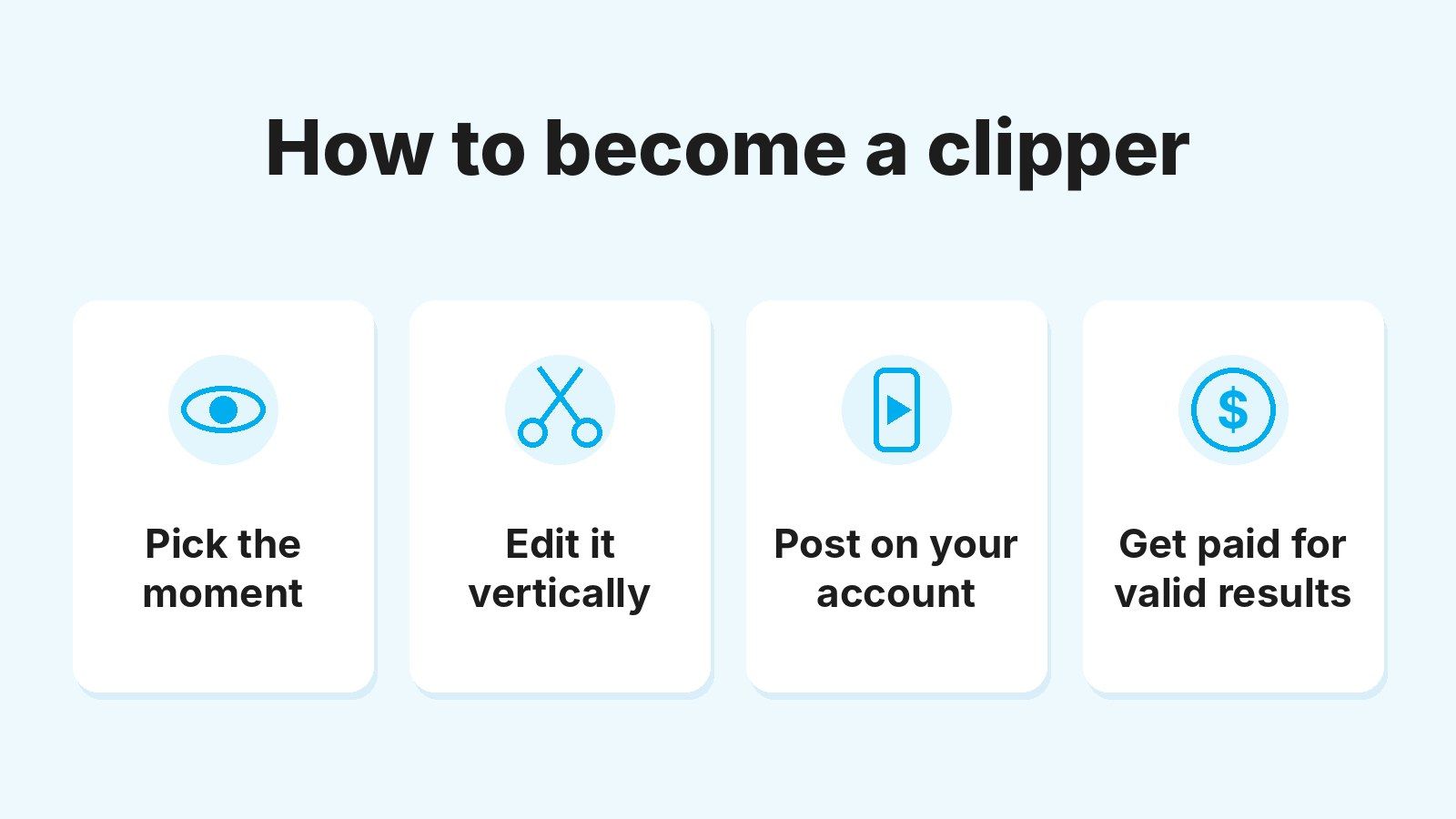
To become a clipper, you sign up with a clipping platform, join a campaign and start posting short clips of a creator’s authorized content on your own TikTok, Instagram Reels or YouTube Shorts accounts. You don’t need editing experience or an audience. You get paid for the results each campaign validates, such as valid views or new subscribers, not a salary.
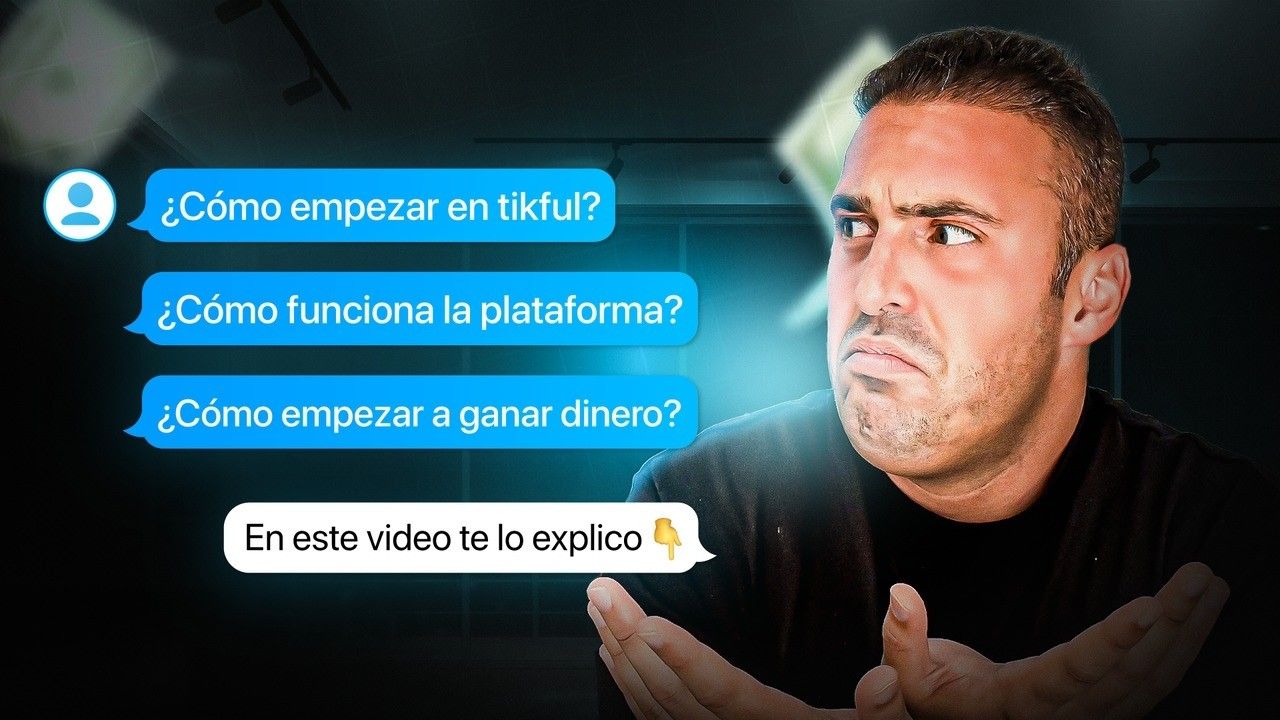
In this video, Juan, Tikful’s founder, walks through the platform from the inside: creating an account, finding campaigns and what the dashboard shows when you start. It’s in Spanish and runs about 20 minutes, but the screens are easy to follow.
You can start without showing your face. What the job really asks for is an eye for the right moment, the craft to edit it and the consistency to post and review what works.
Below you’ll find what a clipper actually does all day, the skills you pick up, how it differs from things that sound similar and the steps to get going this week.
Quick summary
- A clipper picks moments from authorized footage, edits them vertically and posts them on their own accounts.
- Pay depends on each campaign and only counts valid results. A big public view count doesn’t guarantee a payout.
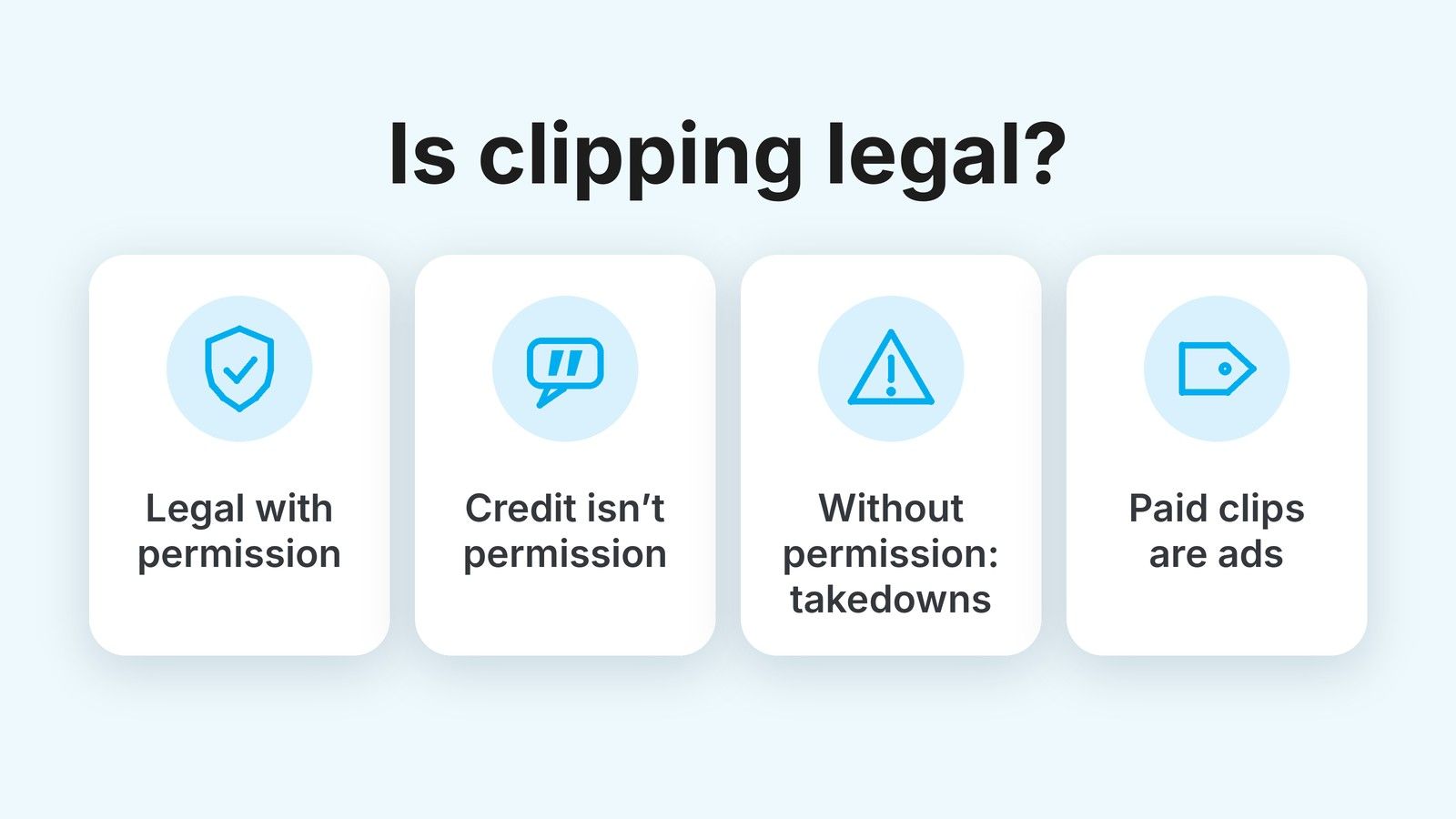
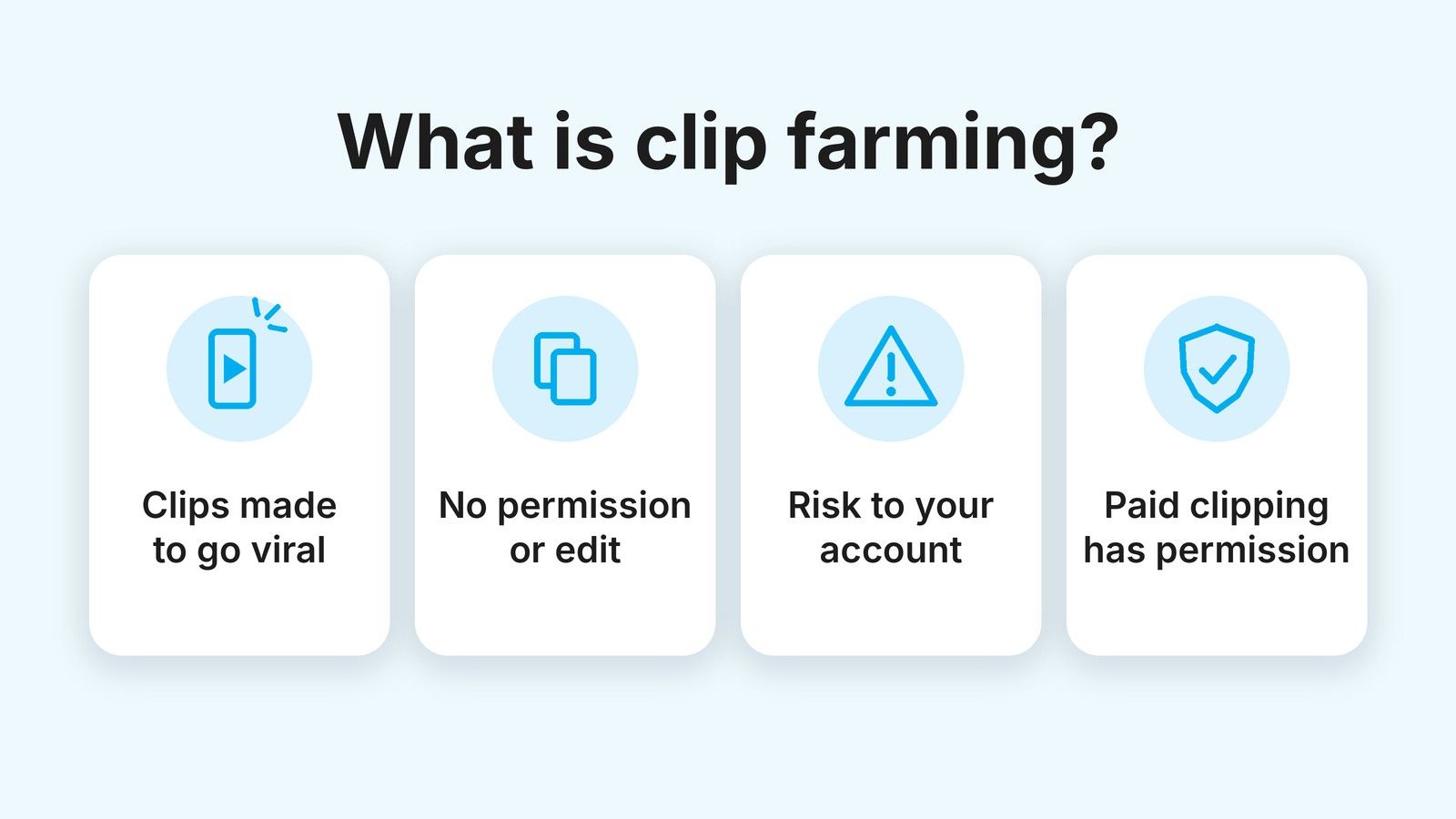
- It isn’t clip farming: a clipper works with permission from whoever owns the content.
- To start, you need to be 18 or over, have a phone and a public account on a platform the campaign allows.
What does a clipper do all day?
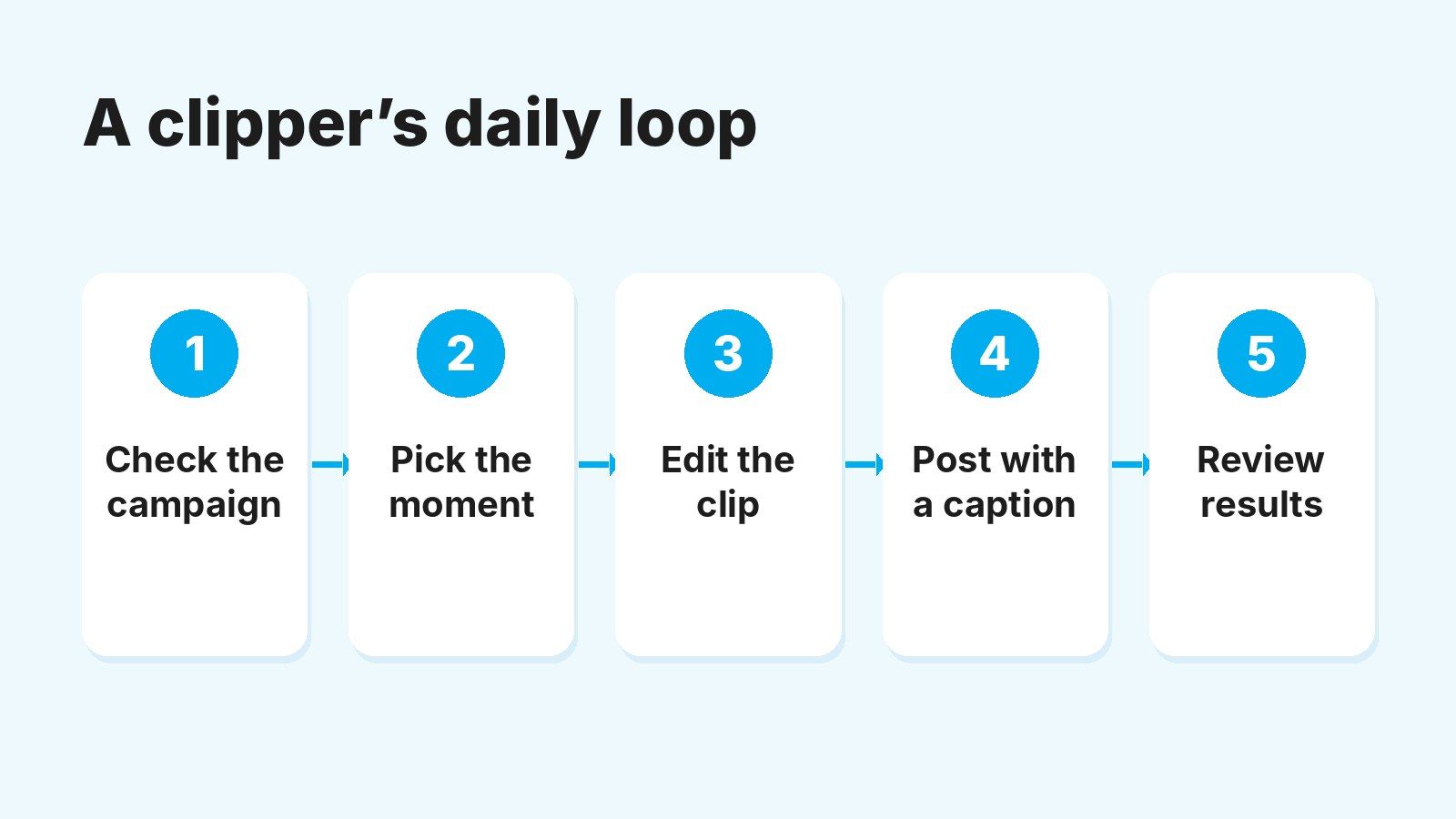
A clipper’s day runs on a short loop: read the campaign, pick moments, edit, post and check what got validated. You repeat it daily, adjusting based on your results.
Here’s how it usually goes:
- Check the campaign. Before touching any footage, look at which platforms it allows, the rate, the per-video cap, the deadlines and the rules on links and account labeling.
- Watch the footage and note moments. One long video can give you several clips. Look for lines that make sense on their own, a reaction or a story with a beginning and an end.
- Edit each clip for its platform. Trim, reframe to 9:16, add captions and a hook in the first second, then export without other apps’ watermarks.
- Post it with a caption. Description, hashtags and whatever labeling the campaign asks for.
- Review the results. The platform’s analytics show you what holds attention; your Tikful dashboard shows what got validated and how much balance it adds.
The slowest step isn’t editing. It’s choosing the clip: a weak moment with great editing is still a weak clip. Here’s a rough breakdown for a 30 to 45-second clip once you have some practice:
At that pace, an hour or two a day is enough to carefully edit a few clips. Some clippers post more, but volume only pays if the clips get validated. Our guide to video clipping explains how a campaign works end to end, if you want to see it from the creator’s side.
Clipper, clip farmer or editor: what’s the difference?
A clipper posts content they have permission to use and gets paid for results. From the outside it can look like other kinds of accounts that post clips, so it helps to tell them apart:
| Role | Where the footage comes from | Who pays | Risk to the account |
|---|---|---|---|
| Campaign clipper | Content authorized by the creator or agency | The campaign, for valid results | Low, if they follow the platform’s and the campaign’s rules |
| Clip farmer | Other people’s clips posted in bulk, often without permission | Nobody, unless they get into a platform program | High: copyright claims and lost reach |
| Freelance editor | Videos from the creator who hires them | The creator, per video or per month | None: the creator does the posting |
Permission is the line between clipping and clip farming. Posting chunks of someone else’s streams or podcasts without authorization can lead to copyright claims, and the platforms already push down accounts that repost without adding anything. Instagram explains this on its page about how it rewards original content.
A freelance editor, on the other hand, is paid for their time, not for results. Plenty of clippers end up doing both.
What skills do you build as a clipper?
You learn to edit short-form video, but that’s the smaller part. What a few months of clips really gives you is a feel for what makes someone keep watching.
- Selection. Spotting the 30 seconds that stand on their own inside an hour-long video. It’s the hardest part and the one that shows most in your results.
- Vertical editing. Reframing without losing what matters, captions that read well on a phone, pacing and opening hooks.
- Reading metrics. Telling retention, reach and valid results apart, and working out what to change in the next clip.
- Platform rules. What TikTok counts as unoriginal content, why Instagram won’t recommend an exact copy and how YouTube counts Shorts views.
- Organization. Running several campaigns and accounts at once without mixing up instructions or deadlines.
These skills carry over beyond clipping, for example to editing for brands or making UGC. They won’t turn you into a professional editor overnight, but you’ll have a portfolio of published clips with results you can point to.
What you need to start clipping
To become a clipper you need to be 18 or older, have a phone with a video editor and a public account on a platform the campaign allows. Tikful doesn’t accept anyone under 18.
The rest is simple: a free Tikful account and, when it’s time to get paid, a wallet or exchange that accepts USDC, since withdrawals are paid in digital dollars. You don’t need to buy gear or pay for a course.
How your pay is calculated, with a worked example of a per-video cap, is covered in our article on getting paid to clip videos.
How to become a clipper, step by step
Starting from zero takes about a week if you go in order: a Tikful account, one campaign, one social account and a handful of well-made clips. Here are the steps:
- Create your Tikful account. Leave the Reposter profile selected (it’s the clipper one) and confirm your email. The screens are in our guide on how to sign up for Tikful.
- Decide whether to join the academy. It’s free and taught in Spanish. Students earn 25% more per view and 15% more per subscriber, can join five campaigns at once (three otherwise) and can withdraw from $50 instead of $100. In return, it asks for attendance and daily commitment.
- Pick one campaign and read its terms. Allowed platforms, rate, per-video cap, deadlines and instructions. Choose one that fits the platform you know best.
- Set up an account and assign it. Make it public and, if it’s dedicated to the creator, say clearly in the name and bio that it’s a fan account, not the official one. Then assign it to the campaign in Tikful Studio, under Campaigns.
- Post your first clips and review them. Start at a pace you can keep up, check the next day what held attention and what got validated, and repeat the format that works.
Label your clips as ads
A clip you post because a campaign pays you is advertising. In the US, the FTC’s Disclosures 101 for social media influencers says paid content must be clearly disclosed, and in the UK the ASA’s influencer guide asks for a clear label such as #ad. On TikTok, also turn on the content disclosure setting whenever you’re paid to post. And follow whatever each campaign says about labeling your account and clips.
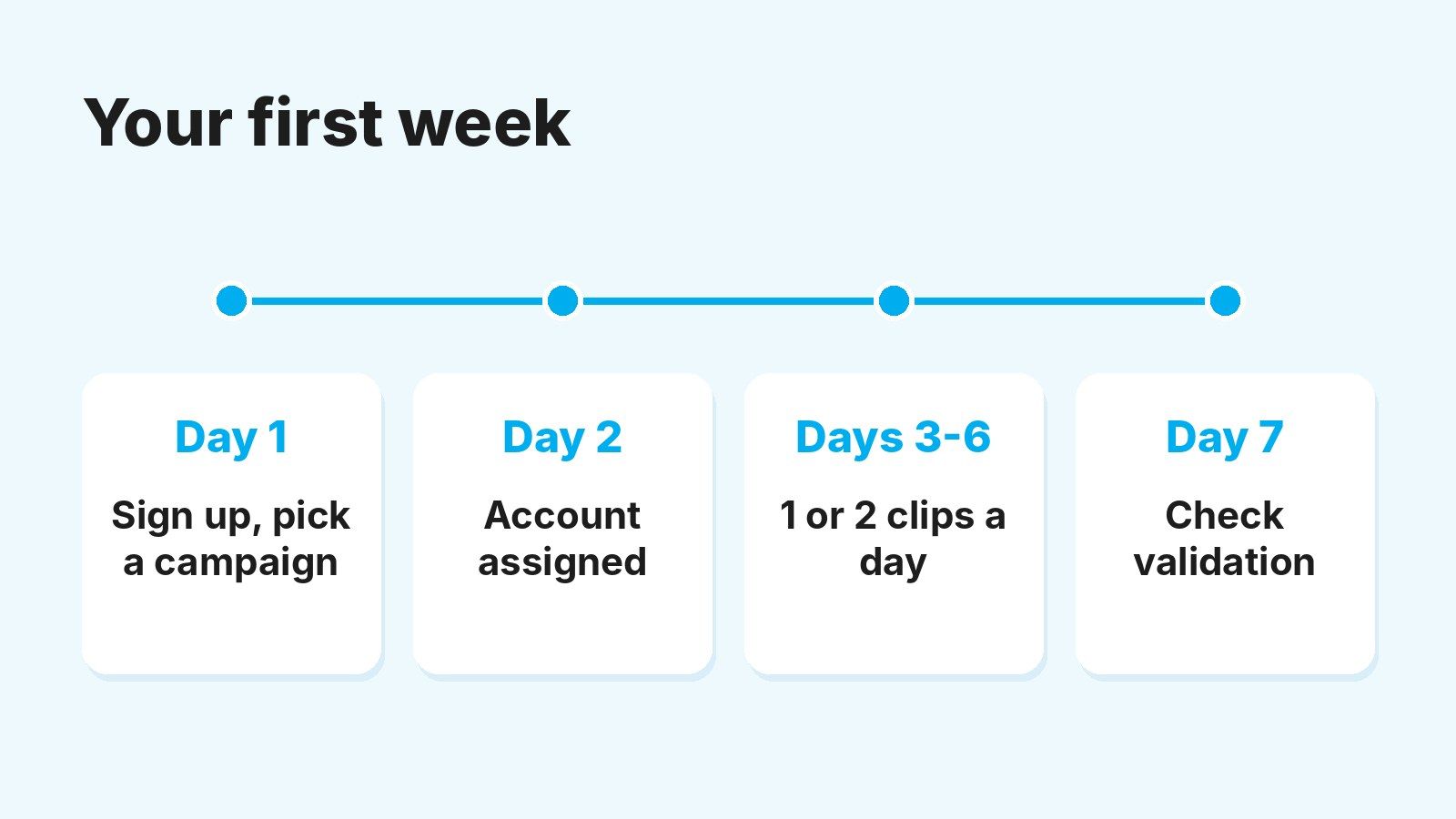
A sensible first week could look like this: day 1, sign up and pick a campaign; day 2, set up and assign your account; days 3 to 6, one or two clips a day; day 7, check what got validated and what held attention before changing anything.
The mistakes that hold back new clippers
Almost every first-month stumble comes from rushing. These are the ones we see most:
- Opening several accounts on day one. It multiplies mistakes and work. Add another account once the first one is working.
- Posting the footage as is. TikTok and Instagram stop recommending unchanged copies. Every clip needs something of yours: the cut, the captions, the text.
- Posting before assigning the account. If the account isn’t assigned to the campaign, Tikful can’t credit those results to you.
- Picking suggestive moments. With creators’ footage, anything that isn’t suitable for all audiences loses its recommendations. Go for stories, reactions and moments that make sense without context.
- Watching only the view counter. You get paid for valid views, up to each video’s cap. Always compare the two numbers.
When a clip doesn’t get validated, compare it with one from the same campaign that did. The difference is usually the account, the platform or the link.
Your next step as a clipper
If this sounds like you, test it small: one campaign, one account and a week of clips you review calmly. Within seven days you’ll know whether you enjoy the work and which format clicks with your audience.
You can create your free clipper account and see which campaigns are open today.