

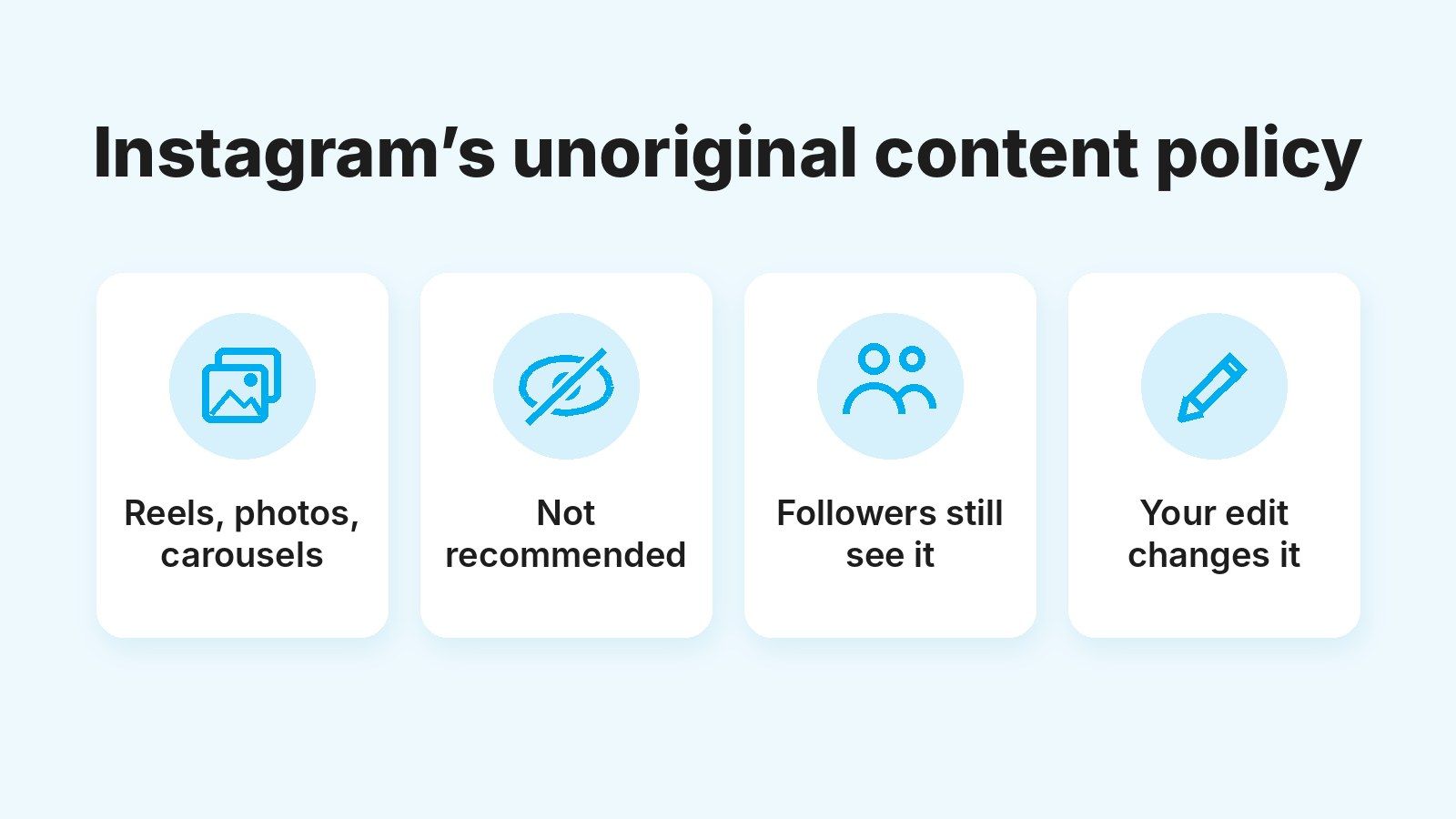
Since April 30, 2026, Instagram has stopped recommending accounts that mostly post unoriginal content, so their posts only reach people who already follow them. Unoriginal means a photo, carousel or reel you didn’t create or edit in a way that adds something of your own. Until that date, the policy only looked at reels.
For clippers, this hits harder than for almost anyone. A clip account starts with few followers and relies on Explore, the Reels tab and suggested posts in the feed to reach new people. Without recommendations, a clip stays with your followers and the valid views never come.
Authorized footage doesn’t change that, because Instagram looks at what you add, not at the permission you have. Below you’ll find what the policy says, with sources, what counts as an edit that adds something, a checklist for every campaign clip and the steps to win your reach back if you’ve already lost it.
Quick summary
- Instagram stops recommending accounts that mostly post other people’s content without adding anything of their own. Since April 2026, photos and carousels count too.
- Your followers still see what you post. What you lose is new reach, which is what clip accounts live on.
- The creator’s permission makes your clip legitimate, but it doesn’t make it original. Subtitles, a border, a watermark or a speed change aren’t enough.
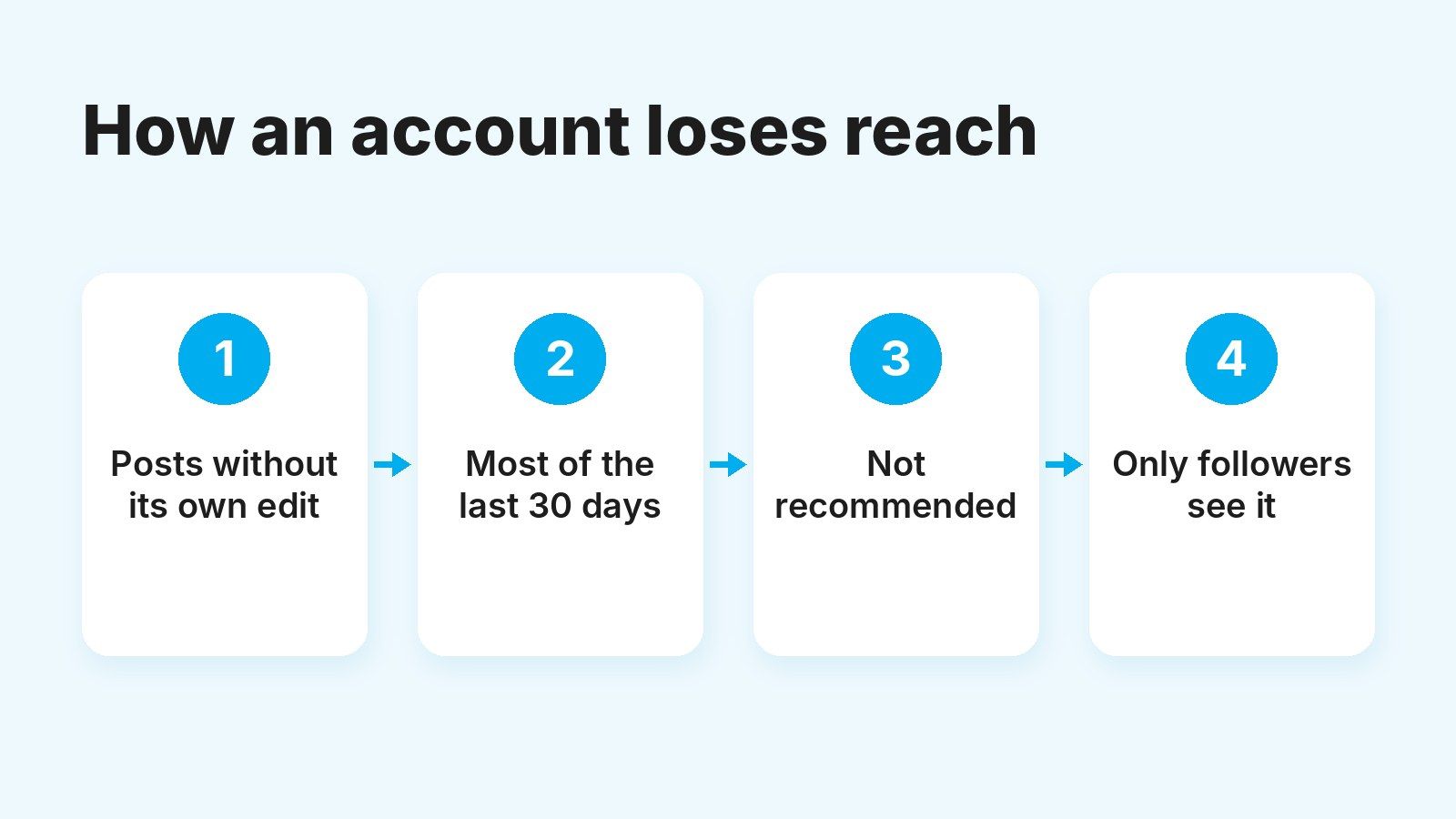
- If you’ve already lost recommendations, they come back once most of what you post over 30 days is original.
What changed with Instagram’s unoriginal content policy?
Instagram widened a policy it already had. It has kept copied reels out of its recommendations since 2024, and on April 30, 2026, it announced that the same protections now apply to photos and carousels.
The 2024 rule had two parts, as Instagram laid out in its 2024 originality update:
- Duplicates. When it finds two or more identical pieces of content, it only recommends the original, as long as the original is recent and the audio and visuals match. It doesn’t swap them if the copy has been meaningfully edited, for example with a new voiceover or turned into a reaction.
- Accounts that keep reposting. The threshold was posting content they hadn’t created or improved 10 or more times in 30 days. Those accounts stopped showing up wherever Instagram recommends content.
What’s new is in Instagram’s April 2026 announcement. It’s no longer just about reels: accounts that primarily post unoriginal content, in any format, lose recommendations across the app. Instagram doesn’t give an exact number and looks at everything you’ve posted over the last 30 days.
Two things stay the same. Your followers still see your posts, and nothing gets deleted for being unoriginal: what disappears is your visibility to people who don’t know you yet. Instagram says 75% of what it recommends in the US now comes from original posts.
Why does it affect clippers if the content is authorized?
Because Instagram separates two things that look like one in clipping: having permission to post a video and that video being original. Its originality guidelines are separate from its intellectual property rules.
The creator’s permission makes your clip legitimate and lets the campaign pay for it. What it doesn’t do is make it your content in the eyes of the recommendation system, which judges what’s on screen.
Permission doesn’t make you original
The 2024 exception covered a set of publishers with licensing agreements that Instagram identified itself, not anyone with permission. A creator’s OK for a campaign doesn’t put you in that group, so expect your clips to be judged like any other account’s.
In a campaign, the policy mainly clashes with three situations:
- Your clip matches what the creator already posted. If they shared that moment on their Instagram, theirs is the original and your copy won’t be recommended.
- Several clippers post the same cut. Instagram only recommends one version of identical content, so the rest get no new reach.
- The account mostly reposts. If most of what you post is footage without your own edit, Instagram can stop recommending the whole account, good clips included.
And it shows up in your pay. In a views campaign, you only get paid for the valid views each clip earns, up to a per-video cap, and a small fan account needs recommendations to get them.
What counts as original content on Instagram?
An edit counts when it changes what the viewer understands or feels. Instagram defines original content as work you created entirely or that reflects your own perspective, and that includes other people’s content you’ve materially edited.
Its original content guidelines give examples of what transforms a video: your own on-screen text, graphics that add information, a voiceover, commentary, humor or a remix. They also list what isn’t enough: a border, a watermark, subtitles, a credit in the caption, a speed change or a screenshot of someone else’s post.
Instagram’s test is simple. If someone removed your contribution and the post looked almost the same, it needs more of you.
Here’s how that plays out with what a clip account usually posts:
| What you post | How Instagram treats it | What to do |
|---|---|---|
| A moment trimmed as is | Unoriginal: the footage is the creator’s | Add on-screen context or a voiceover |
| The moment with auto subtitles | Unoriginal: subtitles alone aren’t enough | Add your own hook and context |
| The video mirrored, cropped or sped up | Unoriginal: these are technical tweaks | Pick another moment and really edit it |
| A carousel of campaign photos | Unoriginal: photos count since April 2026 | Make it tell something, with your text on each slide |
| A cut another account already posted | Duplicate: only the original is recommended | Find another moment or a different angle |
| Your reaction or commentary on the moment | Original: it adds your perspective | Make your input visible from the start |
The rule underneath is always the same: the viewer has to notice your contribution, not just the file.
That’s why disguising a repeated video gets you nowhere. Flipping it, cropping the edges or speeding it up so it isn’t recognized gives the viewer nothing, and those are exactly the kind of technical tweaks Instagram says don’t count. It doesn’t fit the organic growth we stand for at Tikful, either.
A checklist to keep every campaign clip recommendable
Run through these points before you post. If a clip fails any of them, edit it again or pick another moment: it costs less than losing the account’s reach.
Checklist before you post a clip on Instagram
- It has a contribution of yours people can see or hear: on-screen context, a voiceover, commentary, humor or your reaction.
- It isn’t the same cut the creator already posted on their Instagram, or the one you’re posting on your other accounts.
- It makes sense without the original video: it has a beginning, an end and just enough context.
- It’s exported without other apps’ watermarks, such as TikTok’s.
- It’s suitable for all audiences, with nothing suggestive in the image or the text.
- It’s labeled as an ad the way the campaign asks. In the US the FTC, and in the UK the ASA, expect paid posts to be clearly disclosed.
- With it, most of what you’ve posted in the last 30 days is still original, photos and carousels included.
The last point is the one people forget. An account with great clips can lose recommendations because it posted a batch of untouched moments in between.
Content aggregator accounts and fan pages: keeping the account recommendable
A content aggregator account mostly posts other people’s content, and a campaign fan page looks a lot like one if all it does is repost. Instagram doesn’t ban them: it judges them by everything they post.
Since April, that includes photos and carousels. If you mix edited reels with carousels of the creator’s photos posted as is, those photos count against you too. A carousel with your text on each slide that tells something (the week’s best moments or the backstory to an anecdote) gets closer to what Instagram considers your own contribution.
Running several accounts is the same problem at a larger scale. Posting the same clip on all of them at once is duplicate content, and only one version stands a chance of being recommended. Give each account its own angle and its own edits, at a posting pace you can sustain like the one we suggest for fan pages.
How to tell if you’ve lost recommendations, and how to get them back
You’ll see it in Account Status, in the section about recommendations. Instagram shows there whether your account can be recommended to people who don’t follow you, and it may show examples of the posts causing it. The exact path is in our guide on where to find Account Status.
If your account can’t be recommended, follow these steps:
- Look at the posts it flags. Compare them with the table above. They usually have something in common, like moments without your edit or the same cut on several accounts.
- Delete what adds nothing. Removing the flagged posts is one of the two ways out that Instagram offers.
- Request a review if you think it’s a mistake. That’s the other way out, for example if the flagged clip has your voiceover or commentary. You do it from the alert itself.
- Post only content with your own edit for 30 days. The account becomes eligible again once most of what you’ve posted in that window is original.
- Check your status every few days. And don’t open another account to keep posting the same thing: the problem would just follow you.
Instagram doesn’t promise a timeline. The 2024 rule talked about 30 days since the last unoriginal post, and the 2026 one about what you’ve posted over a rolling 30-day window: the sooner you change what you post, the sooner the clock starts.
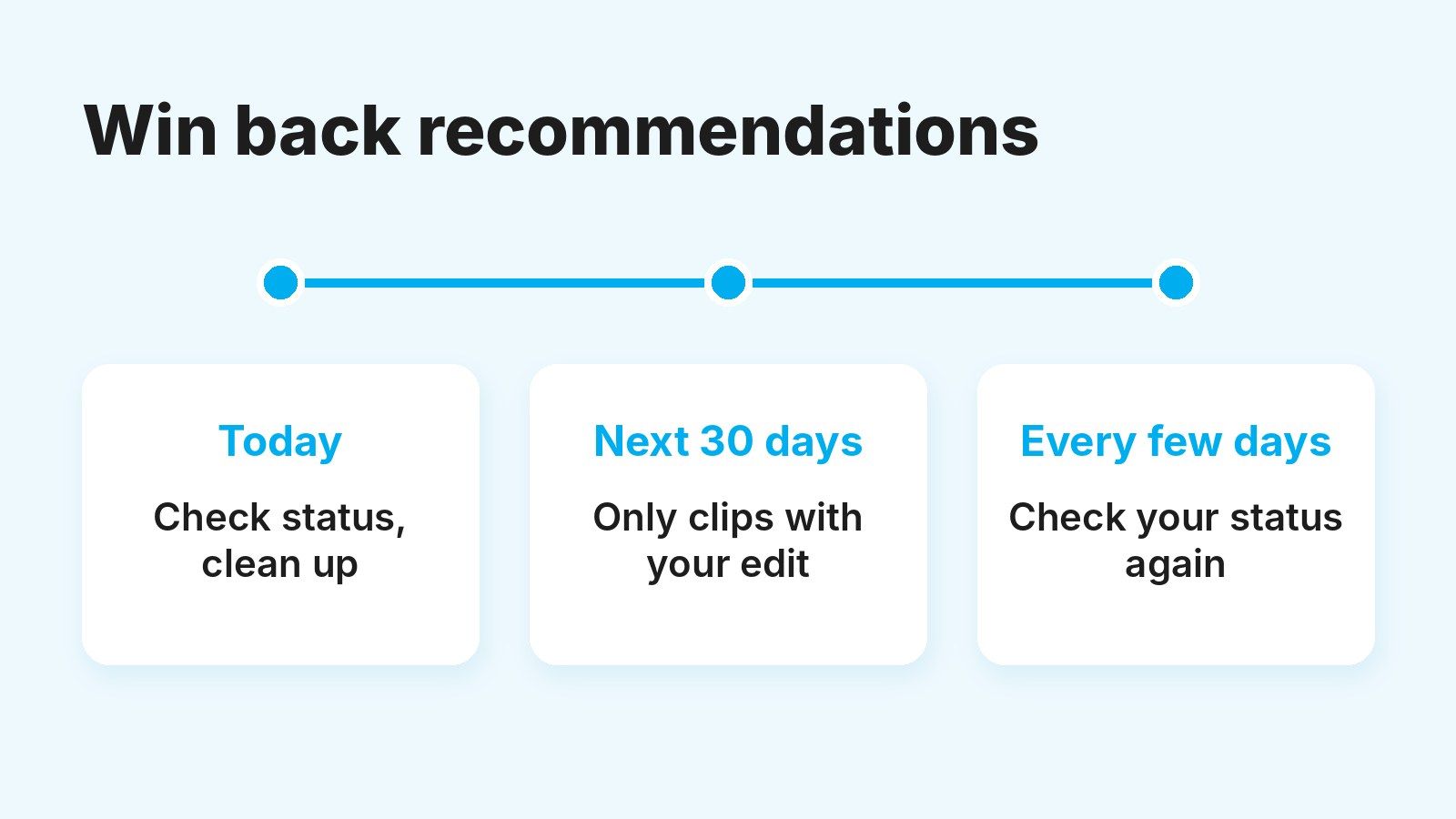
Meanwhile, your followers still see your posts. Use those weeks to test formats with more of your own input and keep the ones that hold attention.
What to do this week if you post clips on Instagram
Go through what you’ve posted in the last 30 days with the table in this article and keep only what passes the checklist. If a lot of it doesn’t, change how you edit before you change how often you post.
If you want to learn to edit with your own input, and with a method, the free Tikful academy covers it with instructors, along with the metrics that matter and running several accounts within each platform’s rules. Classes are in Spanish, the academy is for adults only (18+) and it asks for daily attendance.